




Enter the phone number below in the format +4219xx xxx xxx or 09xx xxx xxx and we will send you an SMS with a link to download the Tatra banka mobile application, or scan the QR code.
Application Tatra banka — your banking world on mobile
Mobile application is the foundation of modern banking. So why not have the most award-winning mobile banking app in Central Europe? Download the latest version of the app.

Cash withdrawal by smartphone

Management of finances
MaFin

Choice of Lite or Full version

Online card management
Benefits of using the application
Experience innovative banking with the Tatra banka application. Track your account and card balances and transactions, send payments, set up standing orders, direct debits, and card limits exactly according to your needs. If you prefer simpler controls, you can activate the Lite version of the app, featuring a clear and intuitive interface.
You can also apply for a consumer Digital loanTB or credit card through the application.
Create an account within 10 minutes
Open a Digital accountTB conveniently through the app, without visiting a branch. You can also open an account as a new client and start using it almost immediately.
ATM withdrawal with a mobile phone
Quickly, conveniently, and securely, with a limit of up to 500 € per day. On the login screen, click the “Mobile ATM Withdrawal” icon, generate a code, and enter it at the ATM.
MaFin Management of finances
Keep your finances under control and plan for the future with greater confidence. MaFin tools give you an overview of your income, expenses, assets, and liabilities in one place.
- Spending reportTB
Track your income and expenses, create clear categories, and set up a separate overview for each of them. - Spending planTB
View a forecast of your estimated balance and expected expenses for the upcoming period. - Assets and liabilities
Compare the value of your assets (savings/deposits and investments) and liabilities. You can get a comprehensive overview by adding your own assets or liabilities held outside Tatra banka.
Chatbot AdamTB
AdamTB is ready to help you anytime. Get quick answers to questions about products and services. If AdamTB cannot handle your query, it will connect you to an operator who will provide the support you need.
Keep your savings and investments under control
In the app, you can easily set up savings, Investment savingsTB or Digital term deposit. If you want to invest in shares or ETF funds, simply switch to the InvestQ app.
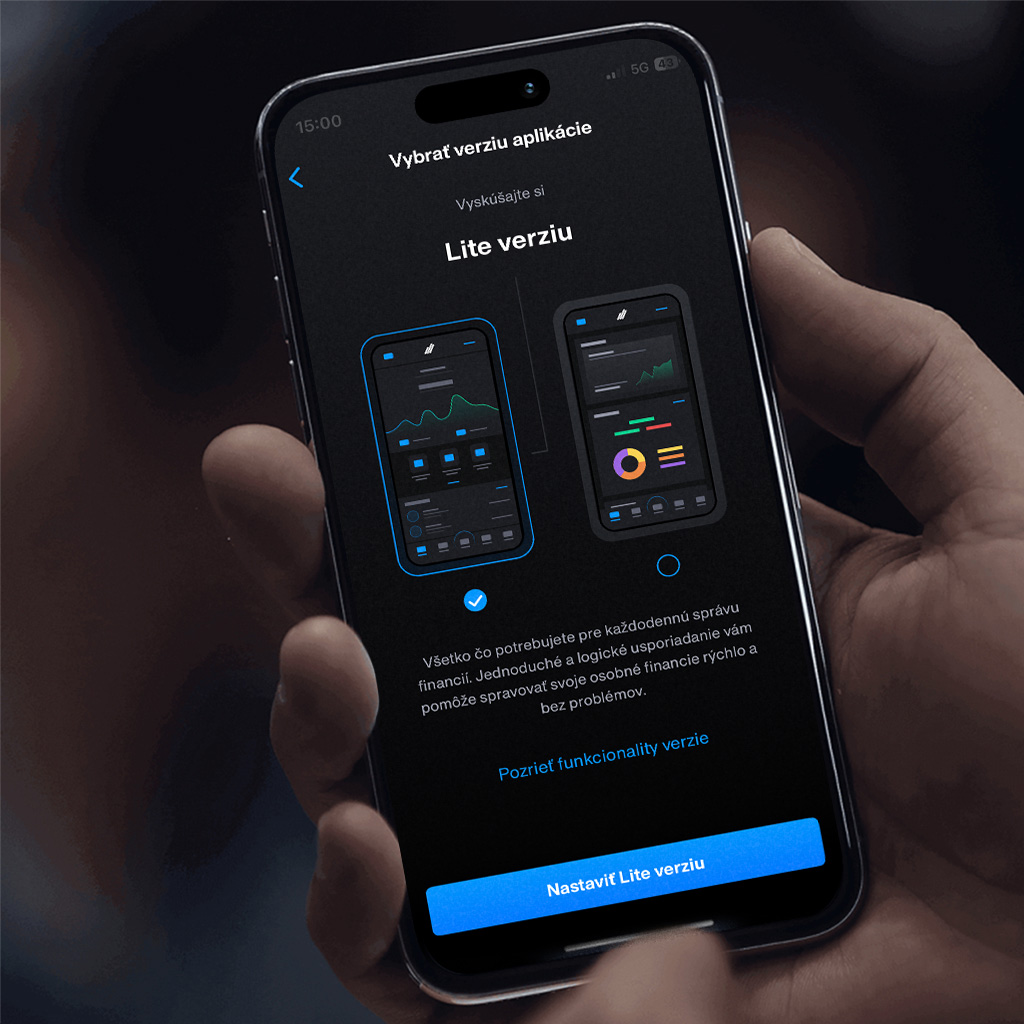
Lite version
The Lite version offers simpler and clearer mobile banking controls. Information about your accounts, cards, savings, or loans is always within reach. It is the ideal choice for students, young people, and anyone who prefers quick access to their finances in an intuitive and easy-to-navigate environment.
Download the app and start to use its benefits today:
News
In the new version 3.27 of Tatra banka app you can find:
- In the My Company section – changes for private banking clients.
- Annual statement added to DDS
- Contacts added to the Dashboard – We have added a contacts icon to the “Home” screen. Clients can find it in the upper-right corner of the app. This change makes the option to contact our DIALOG Live contact center directly from the Tatra banka app more visible.
- Bug fixes and minor improvements to increase user satisfaction
The new version of the Tatra banka app is available for devices running Android 10 or later.
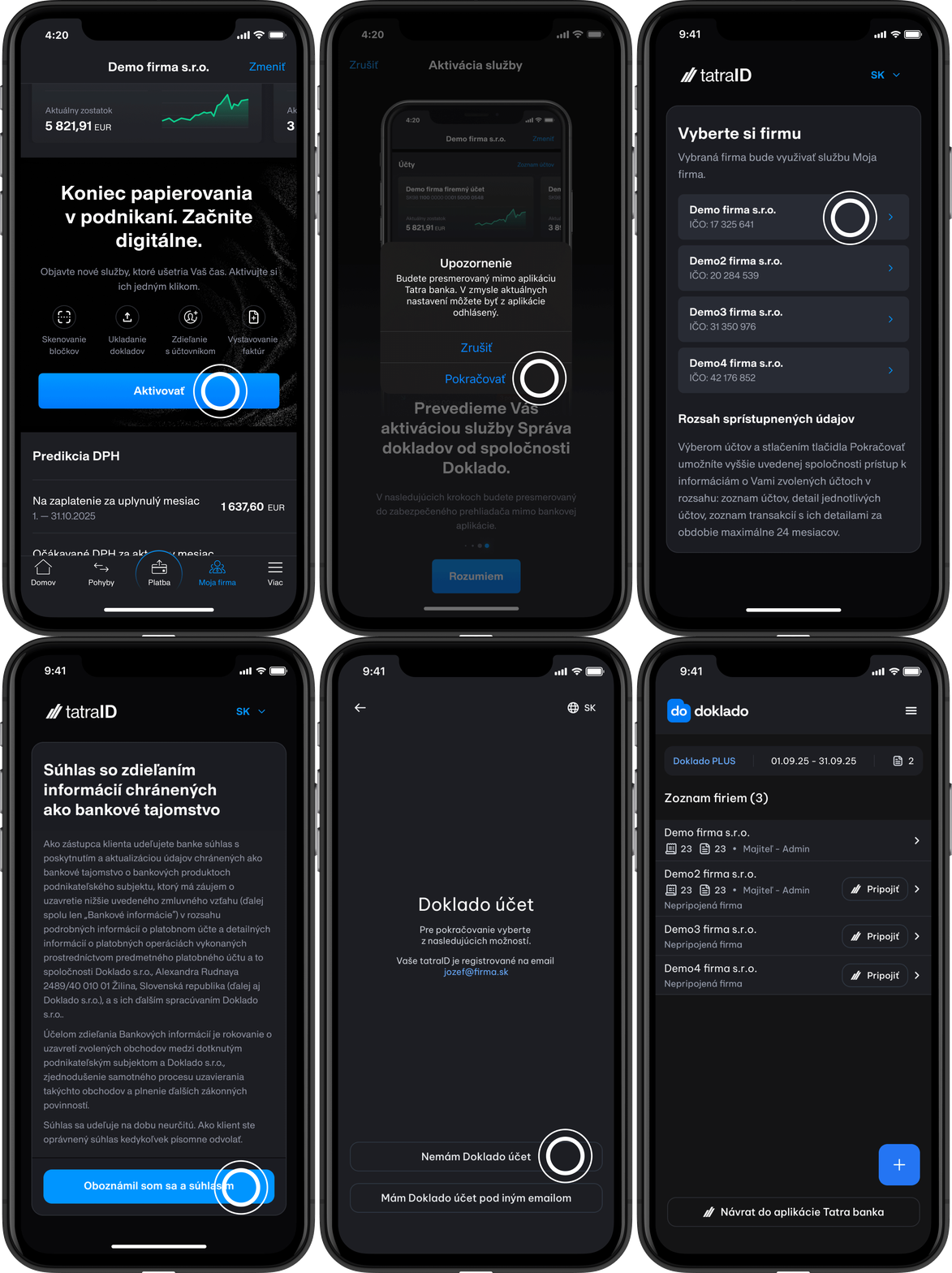
My Company
The My Company tab is available only to entrepreneurs and provides in one place:
- An overview of products for the given company
- Options for both standard and alternative financing
- Document Management - such as scanning receipts and invoices, issuing invoices and connecting with an accountant
- VAT and cash flow prediction
Exceptional application features
In terms of the unique features that set the app apart from the competition – mobile ATM withdrawals, Payme, MaFin financial management, and the high level of app personalization.
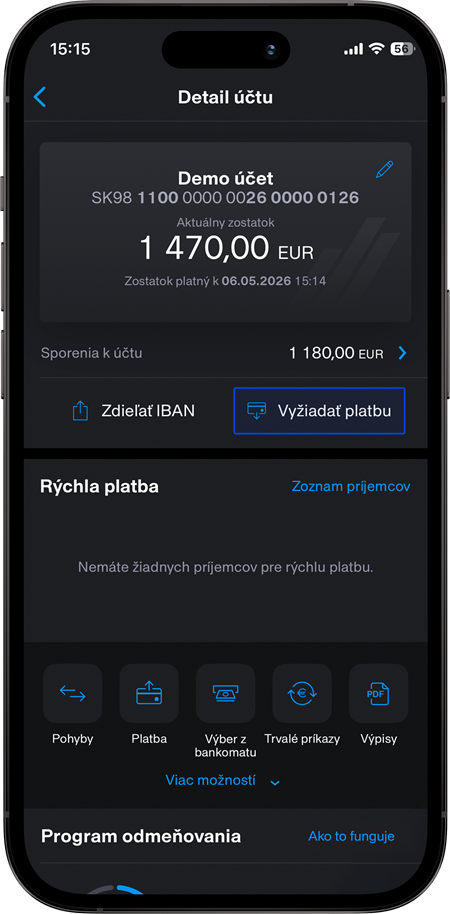
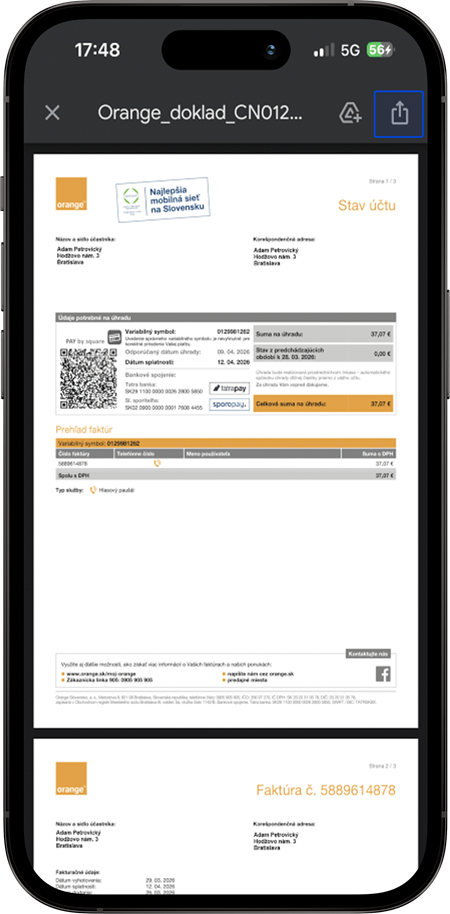
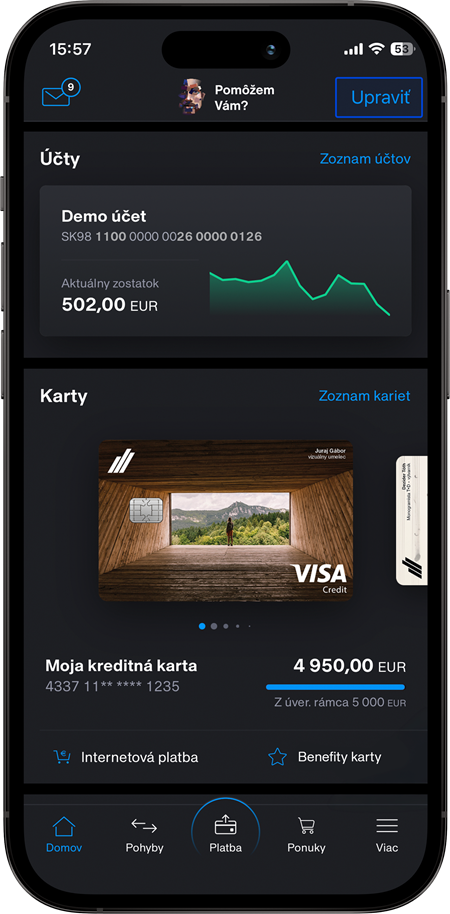
Other functions of the banking application
- Accounts
With the Tatra banka app you always have available information concerning your current balance and movements on the account, as well as reports on an optional overdraft. You may export the information about movements and also send it to an e-mail address. Possibility to open the current Account for blue planetTB, Self emloyed accountTB or Business accountTB. - Payments
In the application, you can make standard payments worldwide in all exchange rate currencies as well as instant SEPA transfer orders, use the scanner of postal orders, invoices and IBAN. You can also create and manage predefined recipients, pending payments, as well as standing orders and direct debits. - Credit Cards
You have an overview of the balance and movements on the credit card, the possibility of quick payment of the amount due, you can also see the calendar of the nearest deadlines and maturities and you have the opportunity to make transfers from the credit card to any account in the Slovak Republic. You can also view your current PIN code in the application, change the limit, or add it to Google Pay/Apple Pay. - Debit Cards
You can track various information, movements and limit messages on your debit card. You can also view your current PIN code in the application, change the limit, or add it to Google Pay/Apple Pay. - Loans
You have at your fingertips basic information about a consumer loan, mortgage loan or home equity loan.
Self-employed people and entrepreneurs will also find information about selected business loans in the application.
Through the application, you can also apply for a Digital loanTB, Digital Business loanTB or Digital mortgageTB. - Branches and ATMs
Here you will find a list and map of Tatra banka branches and ATMs, including an option to navigate or obtain more information on the selected branch and ATM - Demo
You do not have to log in every time. All functionalities of the application are available for you also in the DEMO regime without logging in. - VIAMO
You can activate VIAMO directly in application Tatra banka. - Term deposits
Creation of a Digital term deposit. Overview of information and management of term deposits.
- Online chat
If you have any questions, you can contact our virtual banker AdamTB. - Offers
List of all offers for you and your business in one place. - Contacts
You can find the various ways to contact the bank here. - Supplementary Pension Saving program
Possibility of opening Supplementary pension savings. Overview of your contributions, total sum of savings and other information concerning your pension funding. - TAM Mutual Funds
Overview of your investments, possibility to open of Investment savings in Mutual fundsTB. - Securities
Viewing basic information about the securities we register in your Investment Account. You can open an Investment Account online through the InvestQ app. - Inbox of messages and documents
You will not miss important messages (e.g. on overdue payments) and documents with automatically-sent notification of their acceptance. - Contractual documentation
An overview of selected documentation is also useful. - Insurance products
Information about your insurance products agreed in the bank. For example, information on travel insurance, property insurance or loan repayment. Possibility of taking out travel insurance, accident insurance or risk insurance. - Foreign exchange rate list, including currency calculator
You can monitor the currently applicable exchange rates for foreign currencies and the exchange rate history and use the currency calculator. -
Instant Payments:
- In the Tatra banka app, you can independently manage the limit for instant payments.
- These limits are included in the overall limits for SEPA and international payments.
- The default limit for instant payments in the app is EUR 3,000 per accounting day and per account. The maximum limit a user can set in the app is EUR 30,000 per accounting day and per account.
- Payment limits
- 3 000 EUR per accounting day and 30 000 EUR per month without additional authorization or with PIN authorization,
- 30 000 EUR per accounting day and 300 000 EUR per month in the case of additional authorization using the ČítačkaTB app or Card and ReaderTB
- unlimited payments in case of additional authorization with the ČítačkaTB app or Card and ReaderTB, activation is required in the branch after checking the signature patterns on the account.
The stated limits do not apply to the case where the authorization means were allocated on the basis of the Agreement on the allocation of identification, authentication and authorization means concluded through a mobile application or internet banking. In this case, the daily limit is 3 000 EUR per accounting day and 30 000 EUR per month, regardless of the authorization tool used.
Standing orders: 3 000 EUR, depending on the date of the first payment and the date of payment chosen.
Withdrawal from an ATM by mobile phone: 500 EUR per accounting day and 5 000 EUR per month.
Security
Basic security rules to keep your finances safe on your mobile at all times
- Never share your login or card details with anyone. Fraudsters may pretend to be bank or police employees and contact you by phone, email, or through fake websites. Always keep your PID, password, and PIN codes confidential.
- Protect access to your device.
If you use fingerprint login or Face ID, do not allow other people’s biometric data. Anyone whose biometric data is stored on the device can log in to the app. - Do not use simple passwords.
For PIN codes, also avoid simple number sequences (such as 1234 or 0000). Do not use the same password for mobile banking as you use, for example, for your phone. - Do not respond to email requests to change the password for the mobile or internet banking. The bank never asks for a change in your password via e-mail or over the phone.
- Always log out of the secure zone of the app.
- Use a connection only via secure Wi-Fi networks or through data services provided by mobile operators.
- Deactivate the Tatra banka app if you no longer use the device or if you lose it. You can do so via Internet bankingTB, the DIALOG Live contact centre, or at a branch.
- Take care of your smartphone’s security
Regularly update both the operating system and the Tatra banka app, use security software, and secure your device with a screen lock. Do not use mobile banking on rooted or jailbroken devices. - Download and install only apps from official app stores where Tatra banka apps are also available (Google Play, App Store, Huawei App Gallery).
Increase the security of your money
- Set your card limits according to your needs. If you do not shop online, set your internet limit to 0 EUR.
- Use a one-time card number for online purchases.
- Enable only the countries or continents where you use your card.
- You can reduce the risk of card misuse when withdrawing cash by using mobile withdrawals.

App activation

To use the application, it is necessary to have activated the Internet bankingTB service from Tatra banka and internet access.
For the first activation you will also need the Card and ReaderTB. For other signups, just enter the 4-digit PIN you create when you activate or use Fingerprint/Touch ID/Face ID. You also need to activate the app if you downloaded it and installed it on your new device.
Simplify your payments even more – download the ReaderTB application onto your smartphone and activate it via DIALOG Live.
Our Awards
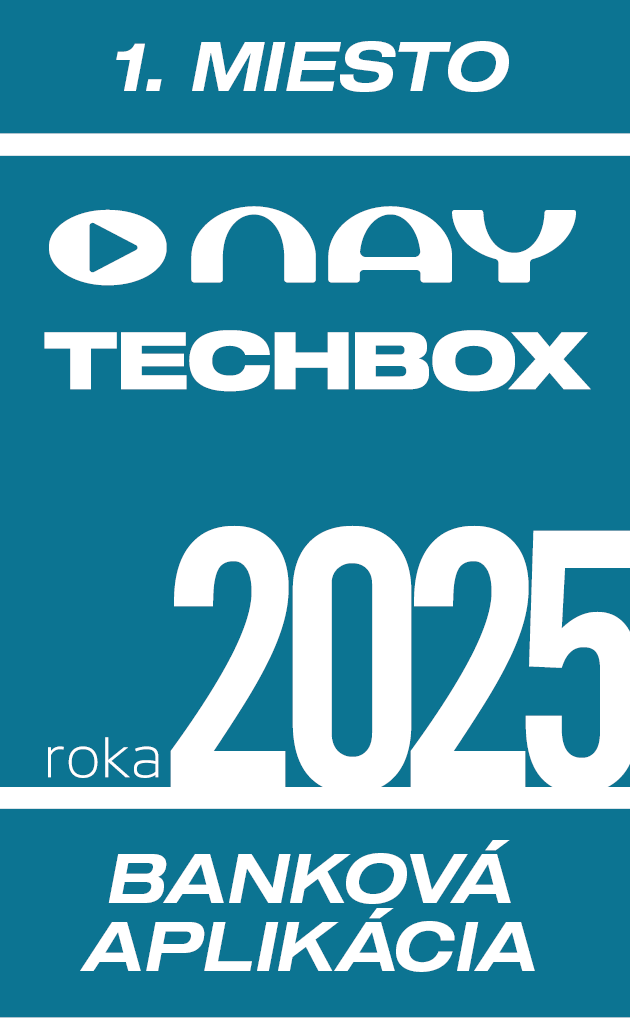
1st place
NAY TECHBOX
BANKING APPLICATION of the year 2025
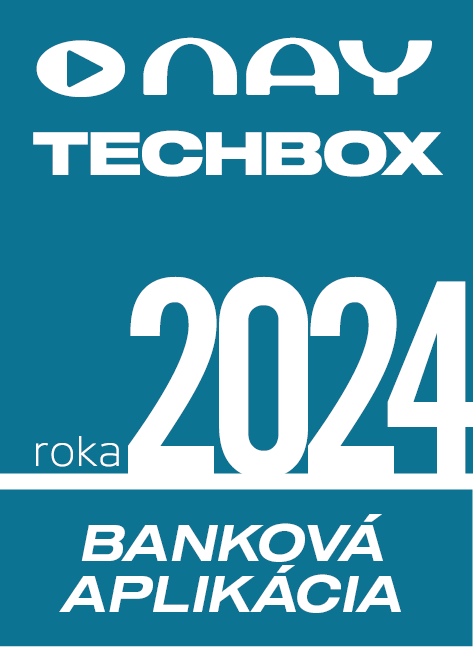
1st place
NAY TECHBOX
BANKING APPLICATION of the year 2024
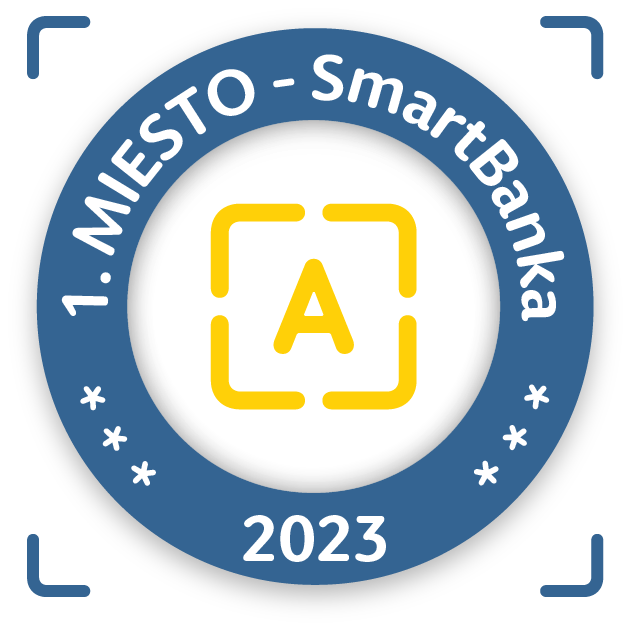
1st place
SMART BANK 2023
The best banking application
Frequently Asked Questions
To activate the latest version of the Tatra banka app and ČítačkaTB (ReaderTB) app, you no longer need a PID or password.
- Please update the Tatra banka app to at least version 3.24
- and the ČítačkaTB (ReaderTB) app to at least version 3.8 to activate the apps more easily.
However, if you still need your PID, you can find it in your Profile in the Tatra banka mobile application, in your contractual documentation (Agreement on allocation and principles of using identification, authentication and authorization means), on the Internet bankingTB login page after clicking on the link "Do you need a PID or password?” or call the DIALOG Live contact center.
TIP: If you can’t remember your PID, set the option to use your email address instead of the PID in the Application Profile.
If you have forgotten the password for logging in to the Internet bankingTB, you can reset it via the login screen of Internet banking and the link „Did you forget your PID or password?“ or directly in the process of Tatra banka application activation. You will need a Card and ReaderTB or the ČítačkaTB application to reset your password.
The app is available for devices with the following operating systems:
- iOS version 16.0 and later,
- macOS 11.0 or later for Mac with Apple M1 processor,
- Android version 10.0 and later.
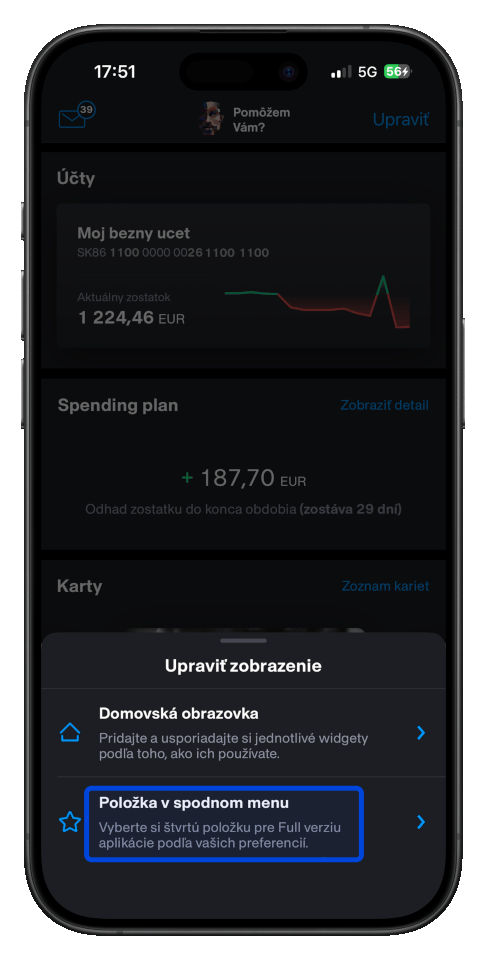
After logging in to the Tatra banka application, you can customize the home screen (dashboard) according to your own preferences in the application Settings or directly on the Home screen, via the "Edit" button.
You have several different items (widgets) available, from which you can choose and create your own overview depending on which information and products are most important to you (account, credit card, loan, DDS, Mutual funds, exchange rate, Spending reportTB and others).
You can also set the fourth icon in the bottom menu. You have ATM withdrawal, Money request, Spending planTB or Offers available.
You can disable background app running in the MORE menu, in the App settings tab. In the Security settings section, select the Never option for Background app.
After 3 incorrect PIN entries, the application is deactivated.
For reactivation, it is necessary to enter the PID, password and code from the Card and ReaderTB generated by the SIGNATURE function.
No, you only need to set up push notifications once and will be delivered to all devices where you have paired your mobile app.
No, every joint holder must set up push notifications.
Fingerprinting to the application is conditioned by the manufacturer, model, and operating system version. If you have a fingerprint on your system and Tatra banka app still does not offer this option when you log in or in the settings, please email us the operating system version and model of your device to [email protected] or [email protected], so we can verify the situation.
Download the app and start to use its benefits today:
https://www.tatrabanka.sk/en/personal/account-payments/mobile-applications/application-tatra-banka/